
StremioNative
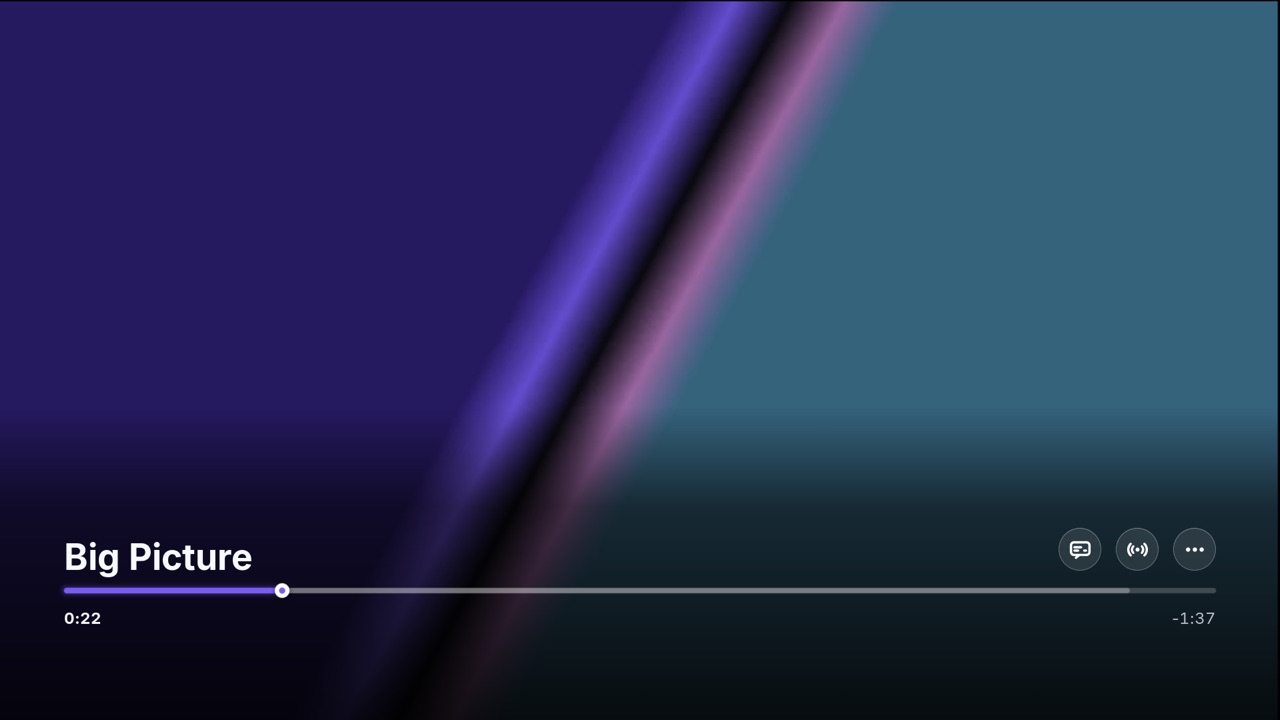
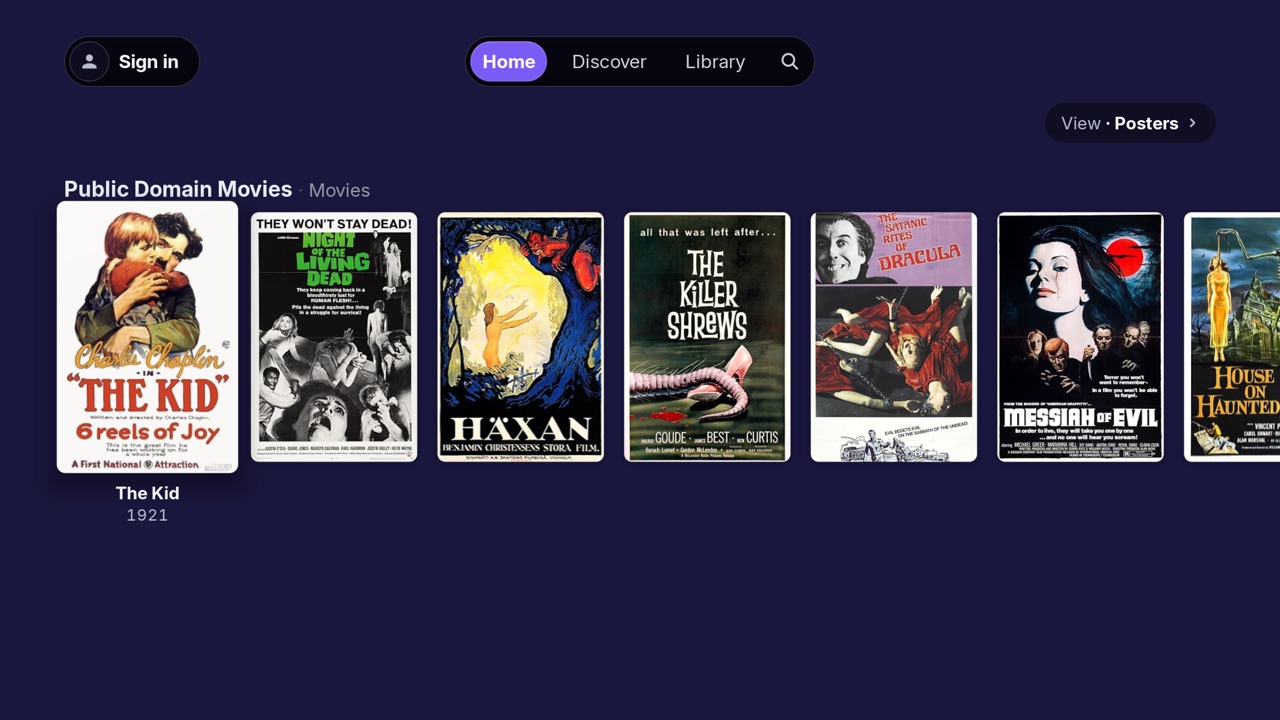
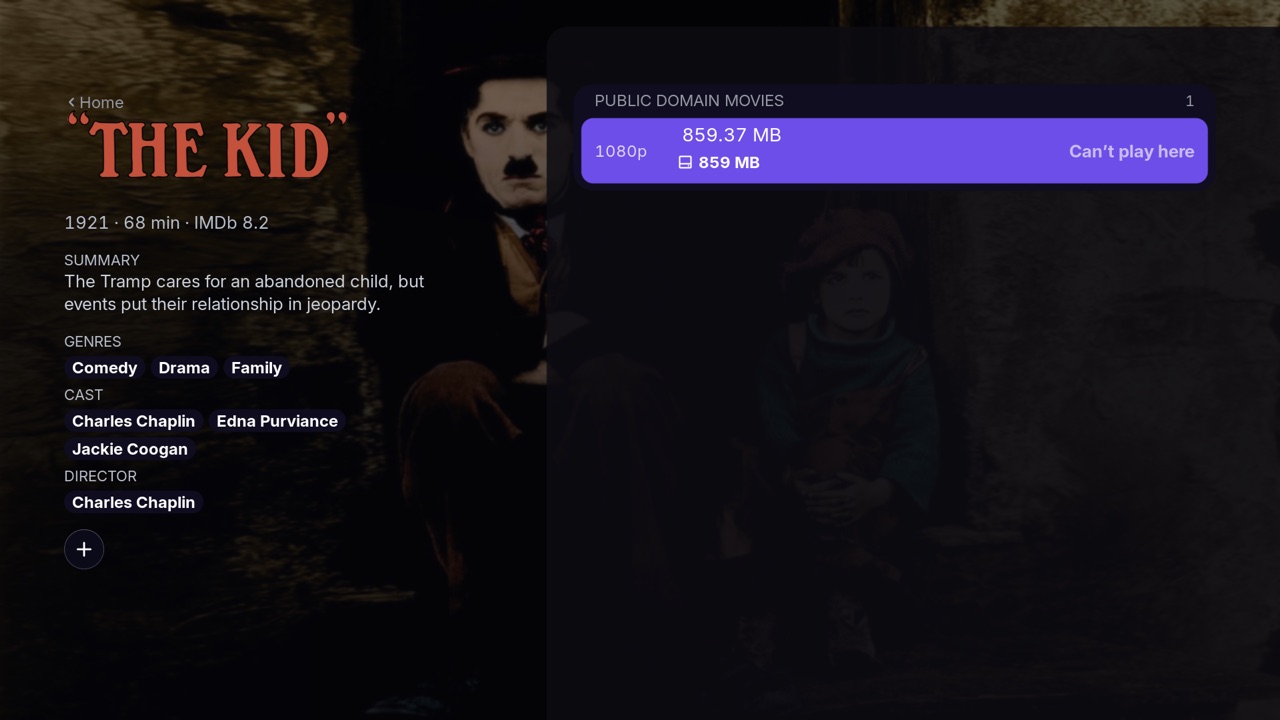
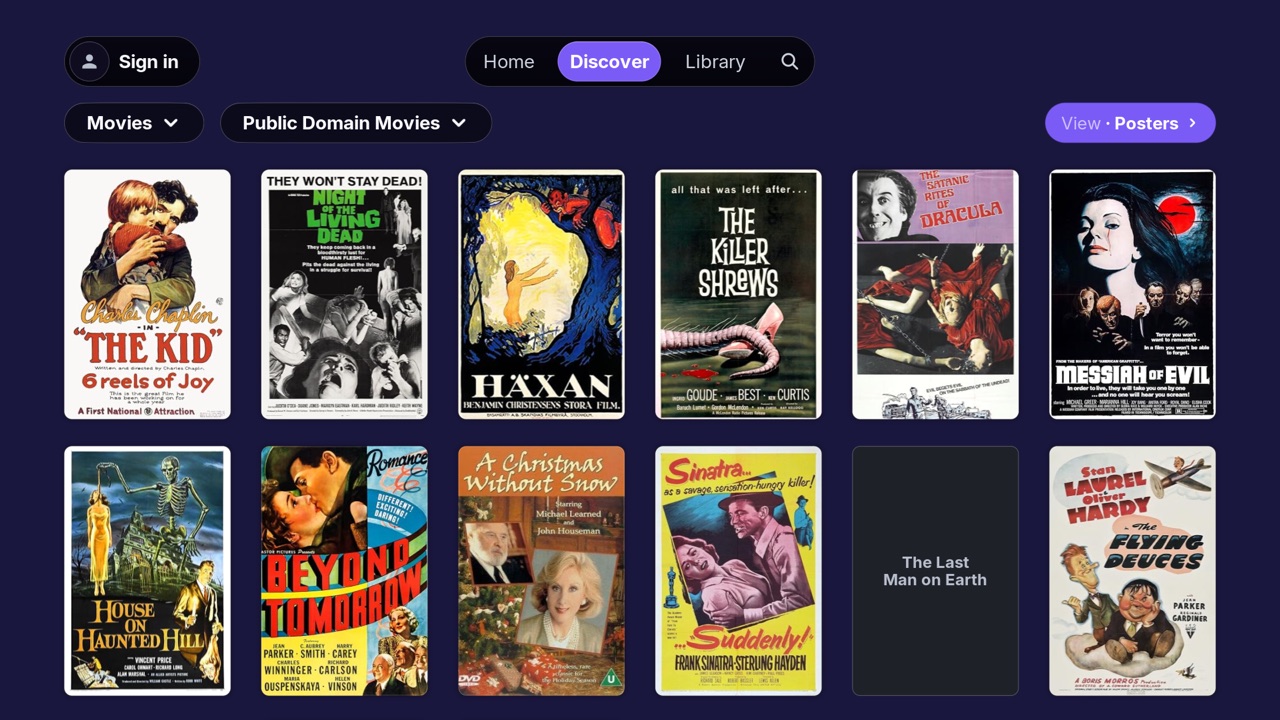
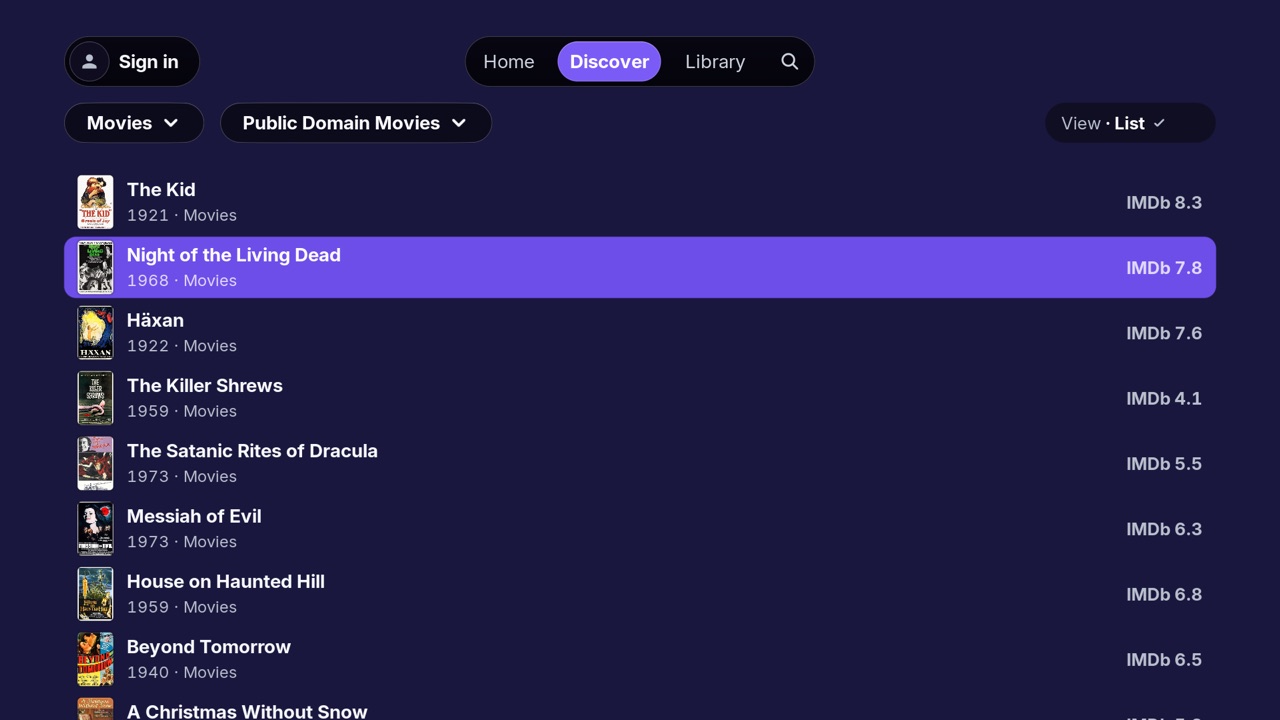
An unofficial native Stremio client for LG webOS TVs: hardware playback, your addons, Dolby Digital and Pro Logic II audio conversion, Dolby Vision and styled subtitles.
Install with Homebrew Channel
- Install Homebrew Channel on the TV (a rooted TV is recommended).
- In Homebrew Channel, open Settings → Add repository and enter:
- Install StremioNative or StremioNative Beta from the list. Updates arrive the same way.
Download
Loading the current packages…
To install an .ipk by hand, use webOS Dev Manager or ares-install. Older versions are on the releases page.